Meet BlogWPS.
A modern, flexible WordPress blog and magazine theme designed for bloggers, writers and content creators. Build a beautiful website with flexible layouts and powerful customization options.
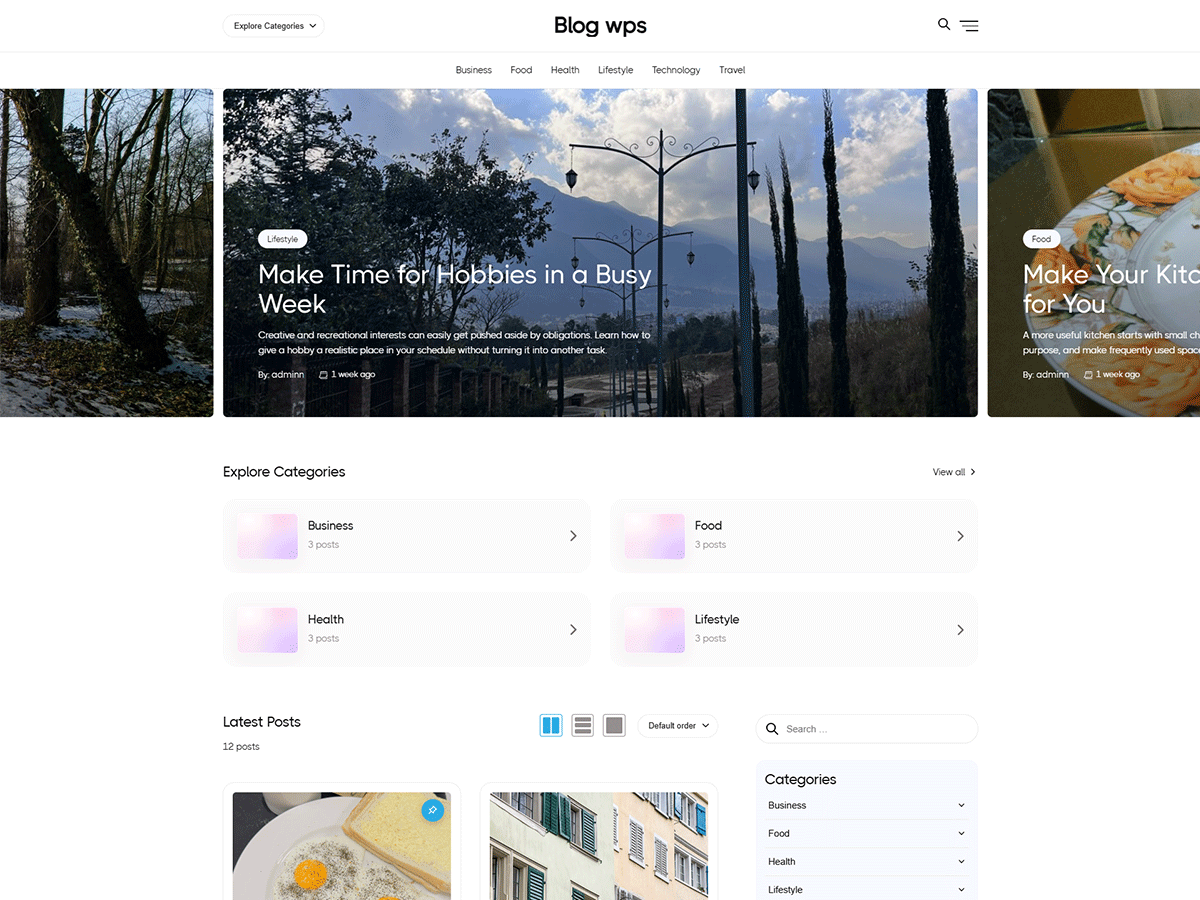
Everything you need to start blogging.
BlogWPS is a versatile WordPress theme created for bloggers, publishers, writers and online magazines. Its flexible layouts and customization options help you present your content in a clean and engaging way.
Designed for better blogging.
Useful features to help you build and customize your WordPress blog.
Flexible Blog Layouts
Present your posts with flexible blog and magazine layouts.
Block Editor Support
Create and edit content using the WordPress block editor.
Customizer Options
Personalize supported theme settings using the WordPress Customizer.
Responsive Design
A flexible layout designed to adapt to different screen sizes.
RTL & Translation Ready
Built with right-to-left language and translation support.
Typography Controls
Customize supported typography settings to match your website style.
Explore BlogWPS.
Take a closer look at the BlogWPS design and its different website layouts.
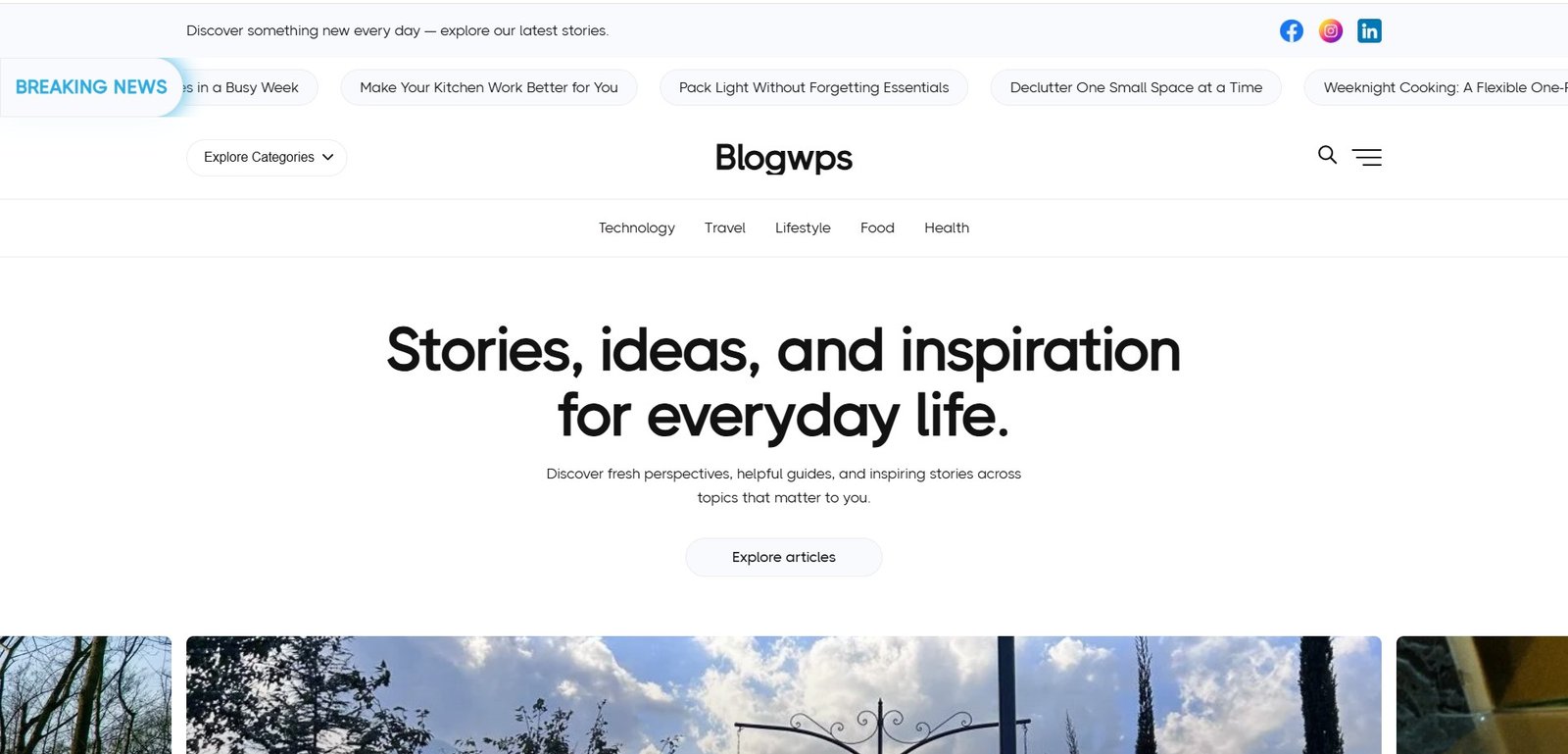
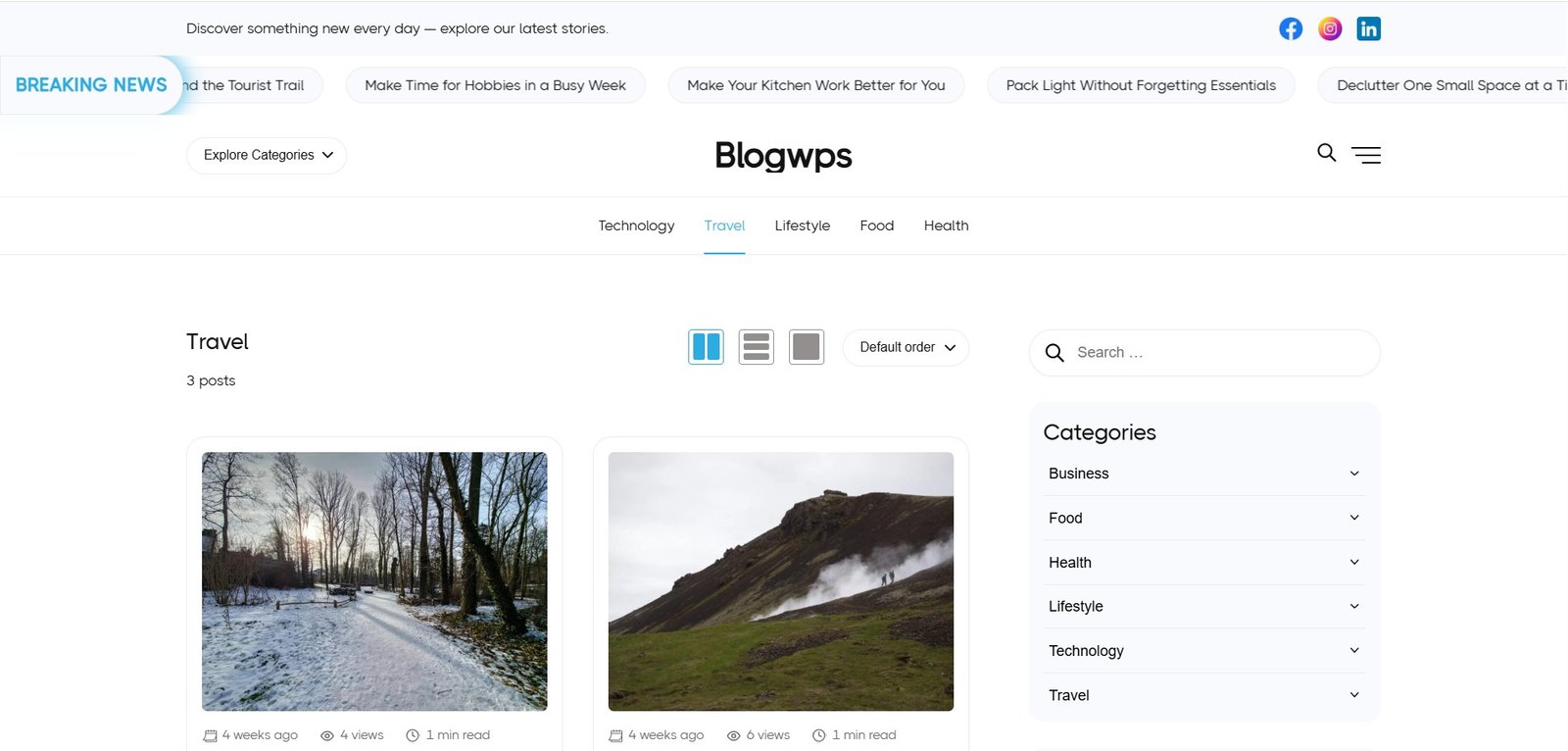
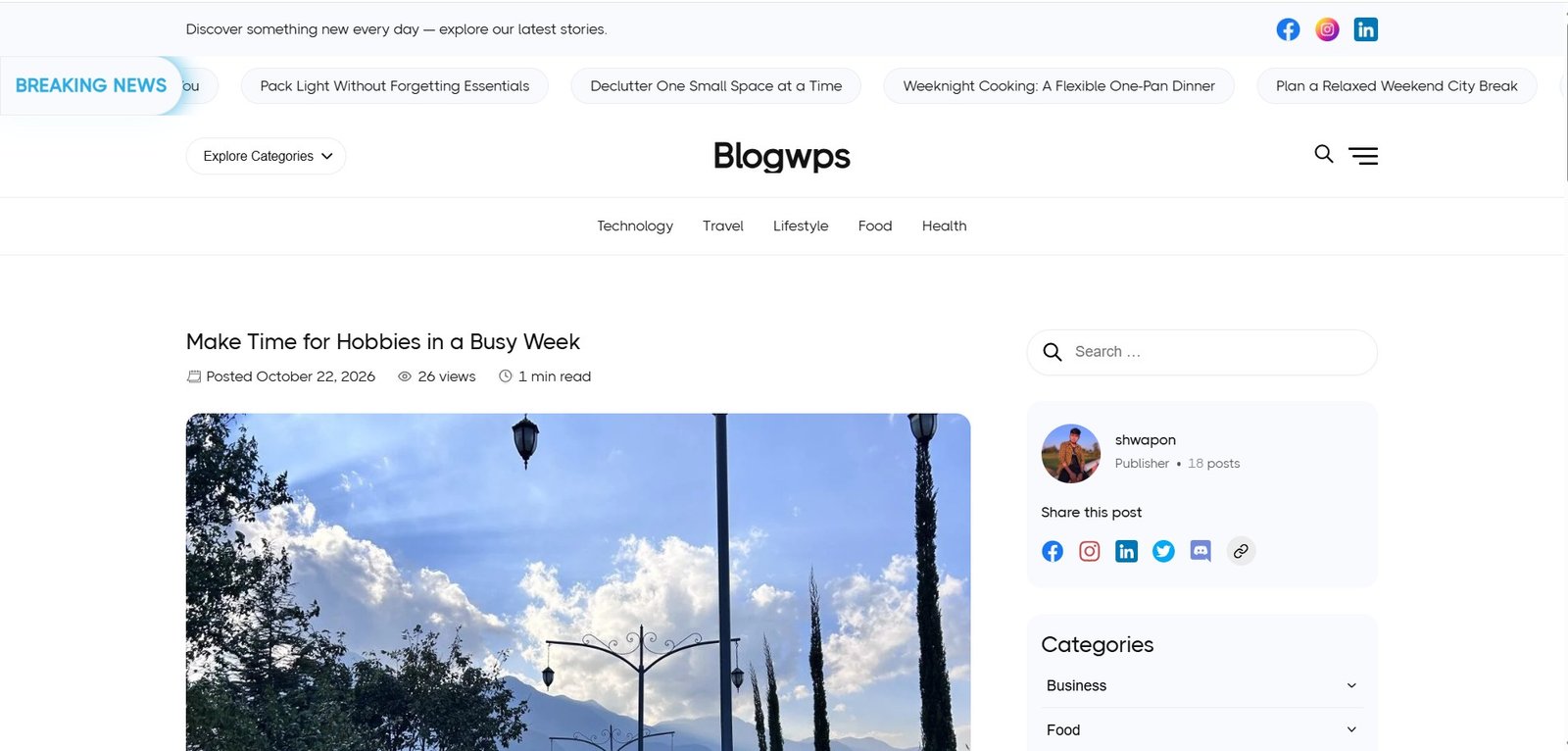
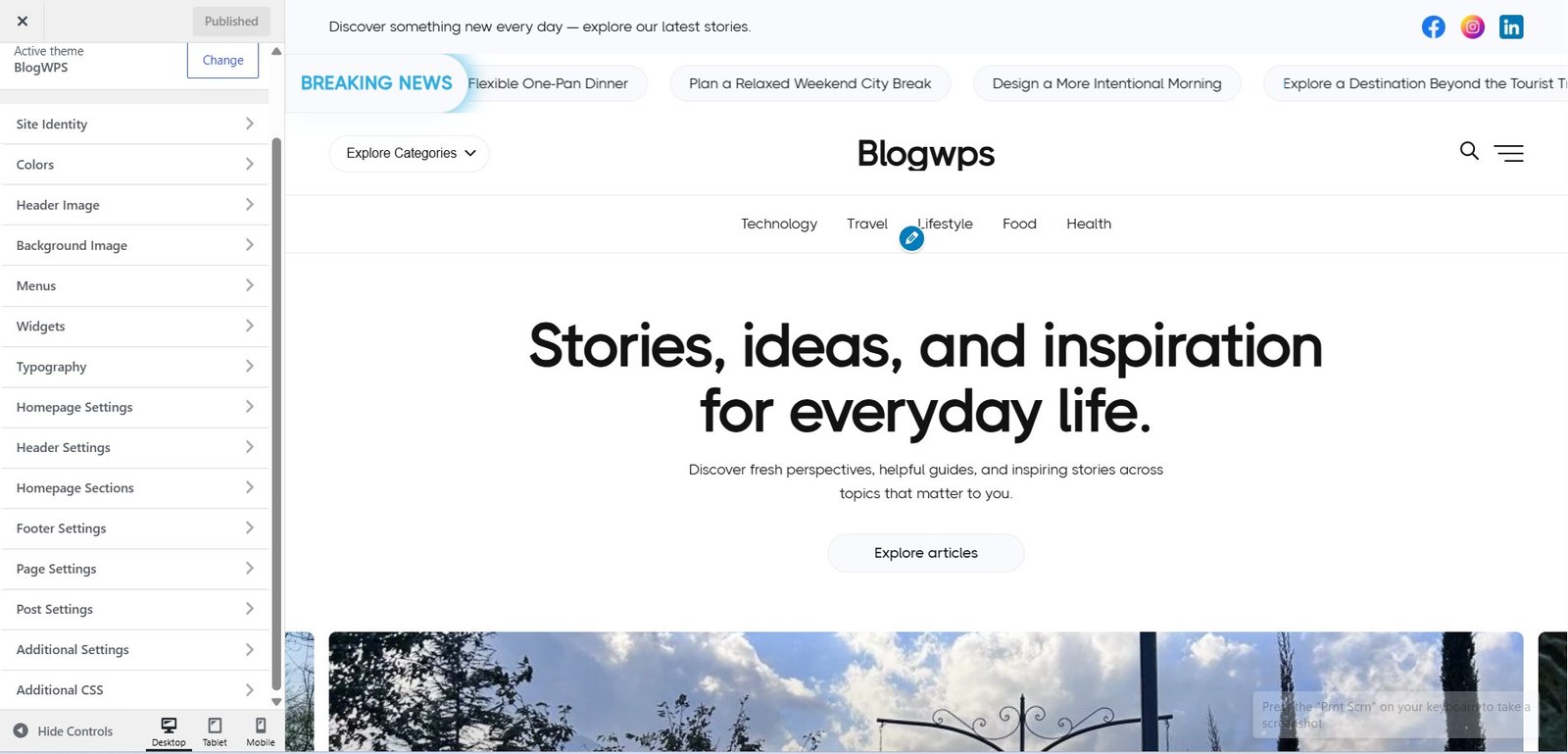
Make your blog your own.
Customize supported theme options and create a website that reflects your content and style. BlogWPS combines WordPress block editing with theme customization settings.
- Customize supported theme settings
- Choose from available layout options
- Adjust supported typography settings
- Build content with WordPress blocks
- Preview changes using the Customizer
Get started with BlogWPS.
Install BlogWPS directly from your WordPress dashboard in a few simple steps.
Open Themes
Log in to your WordPress dashboard and navigate to Appearance → Themes.
Find BlogWPS
Click Add New Theme and search for BlogWPS in the WordPress Theme Directory.
Install & Activate
Install BlogWPS, activate it and start customizing your website.
Frequently asked questions.
Is BlogWPS free?
Yes. BlogWPS is available as a free theme through the WordPress.org Theme Directory.
Does BlogWPS support the Block Editor?
BlogWPS supports the WordPress Block Editor for creating and editing post content.
Is BlogWPS responsive?
Yes. BlogWPS is designed to adapt to desktop, tablet and mobile screen sizes.
Does BlogWPS support RTL languages?
Yes. BlogWPS includes right-to-left language support.
Where can I download BlogWPS?
You can find BlogWPS in the official WordPress.org Theme Directory.
Ready to build with BlogWPS?
Get the free theme and start creating your WordPress blog today.
A free WordPress theme by wpSyncro.